
How To Get Your Disposable Camera Photos Onto Your Phone
Disposable cameras offer a fun, nostalgic way to capture memories. The excitement of not knowing how your pictures turned out until they are developed is a unique experience. Once you have those physical prints, you might wonder how to share them digitally with friends and family or post them on social media. The good news is that transferring your film photos to your phone is a straightforward process.
You can easily digitize your disposable camera pictures and enjoy them on all your devices. This allows you to preserve your memories, create a wedding slideshow, or simply share your favorite moments online. You have several options for getting your photos from the camera to your phone, each with its own benefits. We will walk you through each method so you can choose the one that works best for you.
Scan Disposable Camera Photos at Home
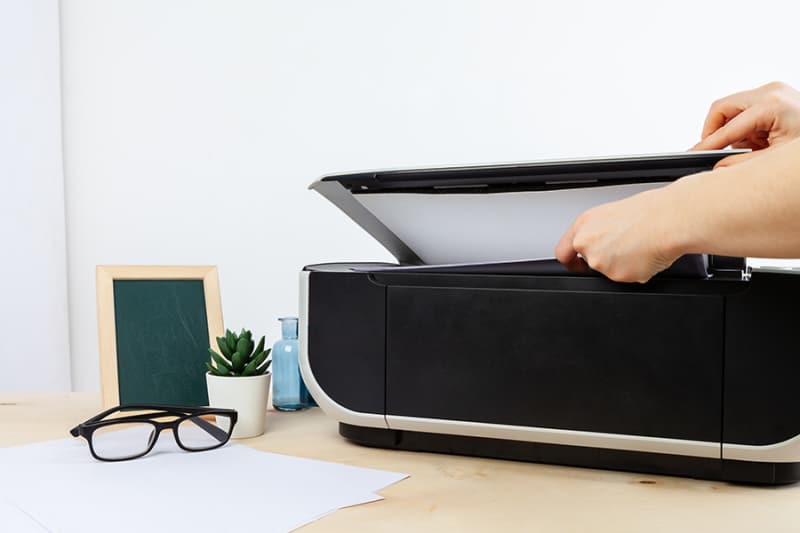
A simple way to get your photos onto your phone is by scanning them at home. If you have a flatbed scanner, you can create high-quality digital copies of your prints. This method gives you complete control over the process. You can scan each photo individually and adjust settings like resolution and color to your liking.
Start by placing a photo face down on the scanner glass. Use your scanner's software to preview the image and make any necessary adjustments. For the best results, scan at a resolution of at least 300 DPI (dots per inch). Once you complete the scan, save the digital file to your computer. From there, you can easily transfer the image to your phone via email, a cloud service, or a USB cable.
Use a Photo Scanning App on Your Phone
If you do not own a scanner, you can use a mobile app to digitize your photos. Many apps use your phone's camera to capture an image of your print and then convert it into a digital file. Apps like PhotoScan by Google Photos or Microsoft Office Lens are excellent choices. They are designed to reduce glare and correct perspective, giving you a better result than just taking a simple picture of the photo.
To use a scanning app, lay your photo on a flat, well-lit surface. Open the app and follow the on-screen instructions to capture the image. The app will guide you to move your phone over the photo to capture it from multiple angles, which helps create a high-quality, glare-free scan. After scanning, you can crop, rotate, and enhance the image directly within the app before saving it to your phone's gallery.
Ask for Digital Copies When You Develop Your Film
Most photo labs that develop disposable cameras offer digital services. When you drop off your camera for developing, you can request to have your photos saved as digital files in addition to getting physical prints. The lab will scan your negatives and provide you with a way to access the digital images.
This is a convenient option because the lab handles the entire digitization process for you. You do not need any special equipment or apps. When you pick up your prints, the lab will typically give you:
- A CD or USB drive with your photos.
- A link to an online gallery where you can download them.
- An email with the images attached.
Send Your Disposable Camera to a Mail-In Lab
If you do not have a local photo lab, you can use a mail-in film developing service. Companies like The Darkroom or Indisposable offer developing services where you can mail your used camera to them. They will process your film, scan the negatives, and send you the digital files.
This process is very simple. You just package your camera securely and mail it to the lab. On their website, you can select your preferred services, such as the resolution of your scans and whether you want prints. Once they receive and process your film, they will upload your photos to a private online gallery. You can then download the images directly to your phone or computer.
Transfer Files to Your Phone From a Computer
Once you have digital copies of your photos on a computer, you need to move them to your phone. If you have a Mac and an iPhone, you can use AirDrop to transfer the files wirelessly. Make sure both devices have Wi-Fi and Bluetooth turned on. Open the photos on your Mac, select the ones you want to send, click the "Share" button, and choose AirDrop. Your iPhone will appear as a destination; just tap it to start the transfer.
For Windows and Android users, a USB cable is a reliable method. Connect your phone to your computer, and it should appear as a removable drive. You can then drag and drop the photo files from your computer's folder into your phone's photo folder.
Use a Cloud Storage Service to Access Photos
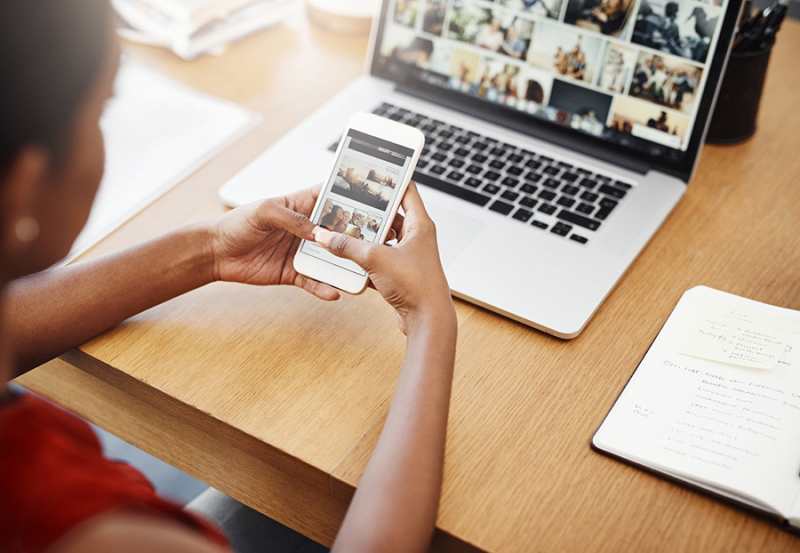
Cloud storage services like Google Drive, Dropbox, or iCloud are perfect for moving photos between devices. First, upload your scanned photos from your computer to your chosen cloud service. Then, open the corresponding app on your phone. You will see your uploaded photos in the app. From there, you can download them directly to your phone's storage. This method is great because it also creates a backup of your photos, keeping them safe in the cloud.
Email the Photos to Yourself
Emailing photos to yourself is a quick and easy way to transfer a small number of images. From your computer, compose a new email to your own email address. Attach the photo files and send the message. Open the email on your phone, tap on the attachments, and you will see an option to download and save the images to your photo gallery. Keep in mind that email services often have limits on attachment sizes, so this method works best for just a few pictures at a time.
Scan Negatives Instead of Prints for Higher Quality
For the best possible digital quality, consider scanning the film negatives instead of the printed photos. Negatives contain more detail and a wider dynamic range than prints. If you get your film developed at a lab, they can provide high-resolution scans of your negatives. If you have a film scanner at home, you can do this yourself. Scanning negatives will give you sharper, more detailed digital images.
Get Your Film Photos on Your Phone Today
Now you have several easy methods for getting your disposable camera photos onto your phone. You can choose the option that best fits your needs, whether it's scanning at home, using a mobile app, or relying on a professional lab. Once your photos are digitized, you can edit and enhance them, organize, and share them with ease. Enjoy your beautifully preserved memories for years to come.