
Choosing a video player for presenting your Milestone Slideshow
Clearly, video is the most engaging and persuasive content delivery mechanism. It's not just for TV and movies anymore.
What software should I choose?
There are many software products that can be used to play a video slideshow. But which video product is best for your needs? Let's first look at how you are wanting to display your slideshow video - privately or for public enjoyment.
Playing your video in a private setting can easily be accomplished on a computer, smartTV, phone, or tablet. With the exception of the computer, you probably won't need to download an additional video player. Most devices come equipped with software that can get it done. The exception is your computer. If you own a Mac, good news - you don't have to do anything. Just click on your video and watch it. It will even choose the best resolution for you. If you have a PC, you have some options.
Of course, there is the Windows Media Player. It comes standard in many machines but if yours didn't (looking at you, Windows 10) you can download software for free if you don't mind a little hassle. We'll discuss some of those below.
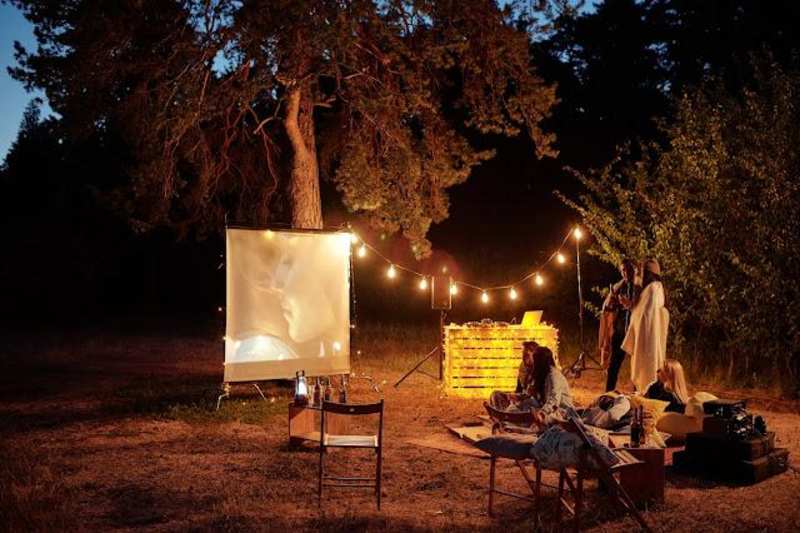
Playing your video at a public event is easily done but there are a few details to consider. Is your slideshow going to be played for a captive audience or as background intended as a conversation starter? If playing for a captive audience, you'll also want to consider how you will include the audio.

For a slideshow played before an audience, you will also want to ensure the control display (the overlay graphic containing the buttons for Play, Pause, Skip, etc.) will not be on during your video's performance. This can easily be done in the Settings Menu in Media Player, Kodi, and the VLC Media Player.
Playing your Milestone Slideshow on various devices
Playing a Milestone Slideshows video is easy because you can do it on any electronic device that supports mp4, AVI, mov, or mpg files. Generally, Milestone Slideshows delivers mp4 videos electronically as it is the most widely usable video format capable of playing almost anywhere. This includes SmartTVs and phones, computers, tablets, digital photo frames, and more.
While many video software products can play your video, Milestone Slideshows recommends Windows Media Player, iTunes or Quicktime player, Kodi, or the VLC Media Player.